Make a Plain Photo Inventory Naming System
A consistent photo naming system can make an accessory inventory easier to use. Start with simple item codes rather than a complex file structure.
Read the note ↓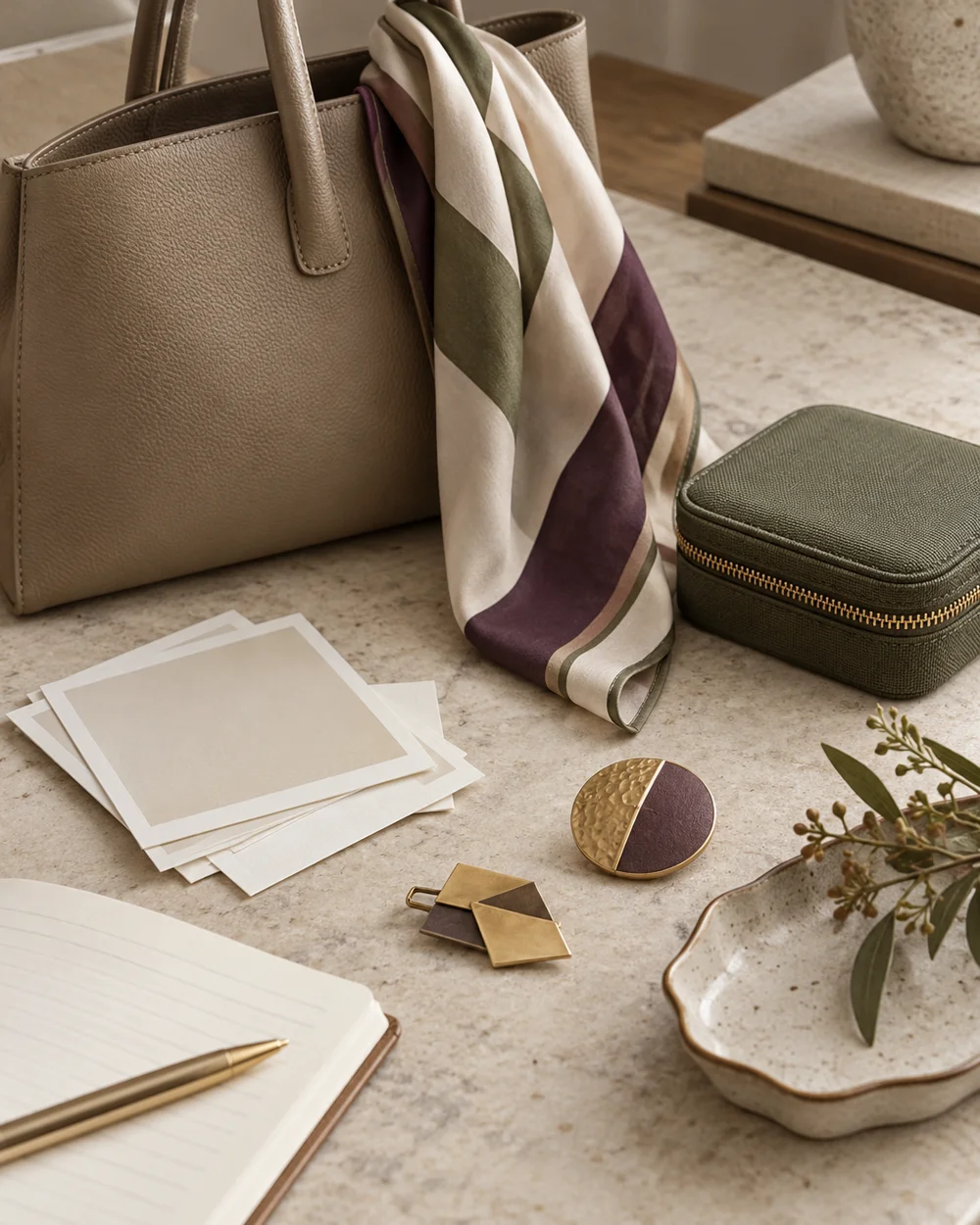
NOTE 01
Set a clear starting point
Assign a short reference to each actual item and note it in the written inventory. Keep personal identifiers and private purchase details out of public file names.
NOTE 02
Keep the facts together
Take plain recognizable photos on suitable surfaces with private contents removed. Keep brooch clasps closed and fabrics arranged as objects rather than a human form.
NOTE 03
Make the record practical
Name or organize the references consistently by item code and date. Add front or detail labels only when they help distinguish useful views.
NOTE 04
Review and update
Test finding an image from the written record and correct unclear links. A photograph is an identification aid, not a valuation or proof of complete condition.
Before you go.
What is the most useful detail to remember?
Use a naming pattern you can maintain without special software.
What should I establish before starting?
Assign a short reference to each actual item and note it in the written inventory. Keep personal identifiers and private purchase details out of public file names.
Original editorial guidance. Photographs are AI-generated concepts; they do not show verified products, material specifications, or tested results. Sources & approach.
Save to Pinterest ↗FOLLOW THE DETAIL
A note to read next.

Wardrobe notes
Create an Accessories-Only Wardrobe Index
Read the note ↗
Wardrobe notes
Make a Color Reference Page From Existing Items
Read the note ↗
Wardrobe notes