Photograph Both Sides of a Belt for Your Records
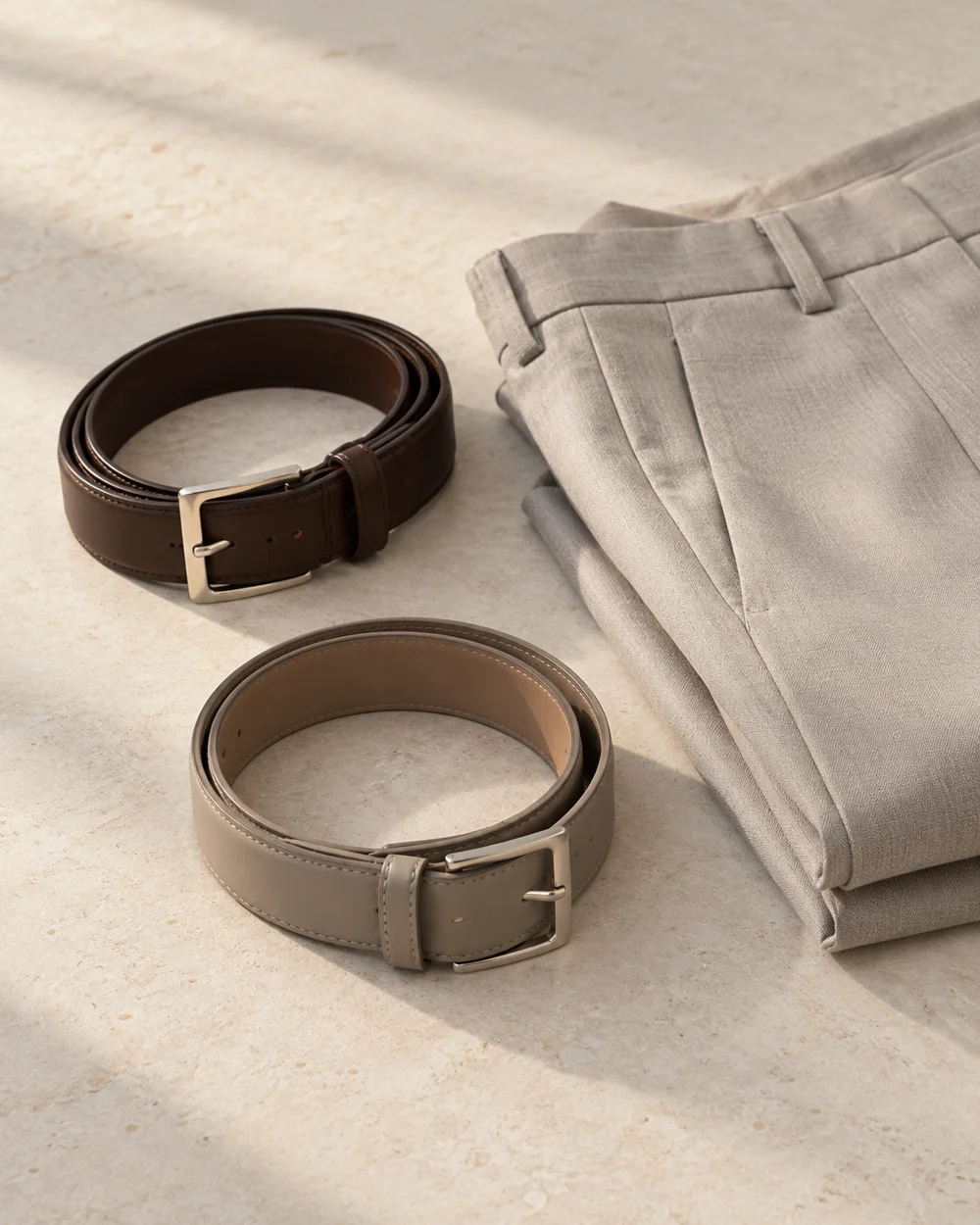
Front and reverse photographs can help identify a belt and its construction details. Keep the record useful without displaying private purchase information.
Read the note ↓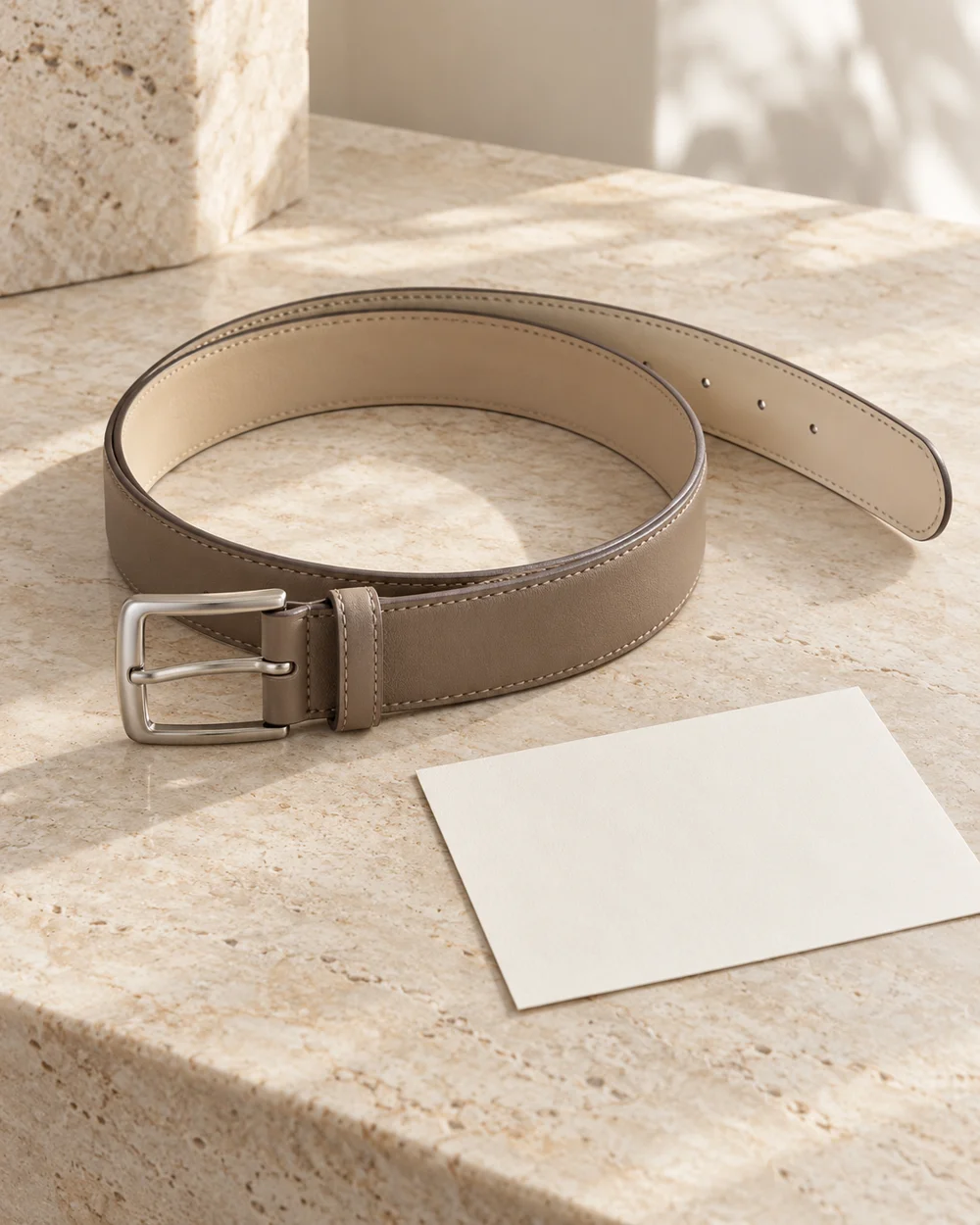
NOTE 01
Establish the product details
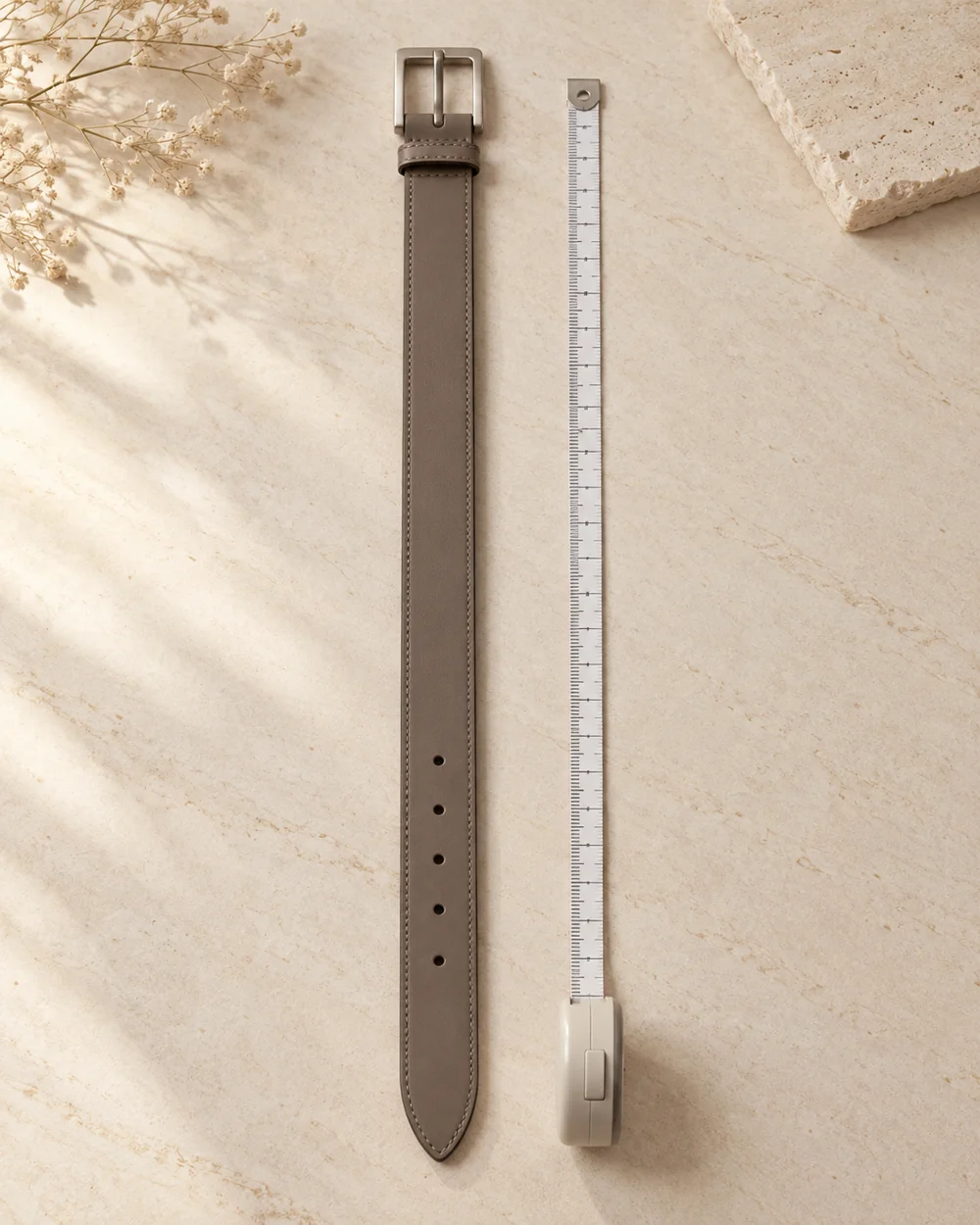
Lay the belt on a clean appropriate surface with soft light. Keep any required product labels attached while deciding whether to retain a recent purchase.
NOTE 02
Make the practical comparison
Take an overall front view, then turn the item gently for a reverse view. Avoid a sharp fold just to show both sides in a single frame. Use separate front and reverse images under one item code. A small supporting note can identify which view contains the maker reference or working hole. Keep any personal order record outside the image set. If condition changes later, retain the date and add a new view rather than editing the old photograph to look current. That preserves a clearer inventory history.
NOTE 03
Resolve the remaining question
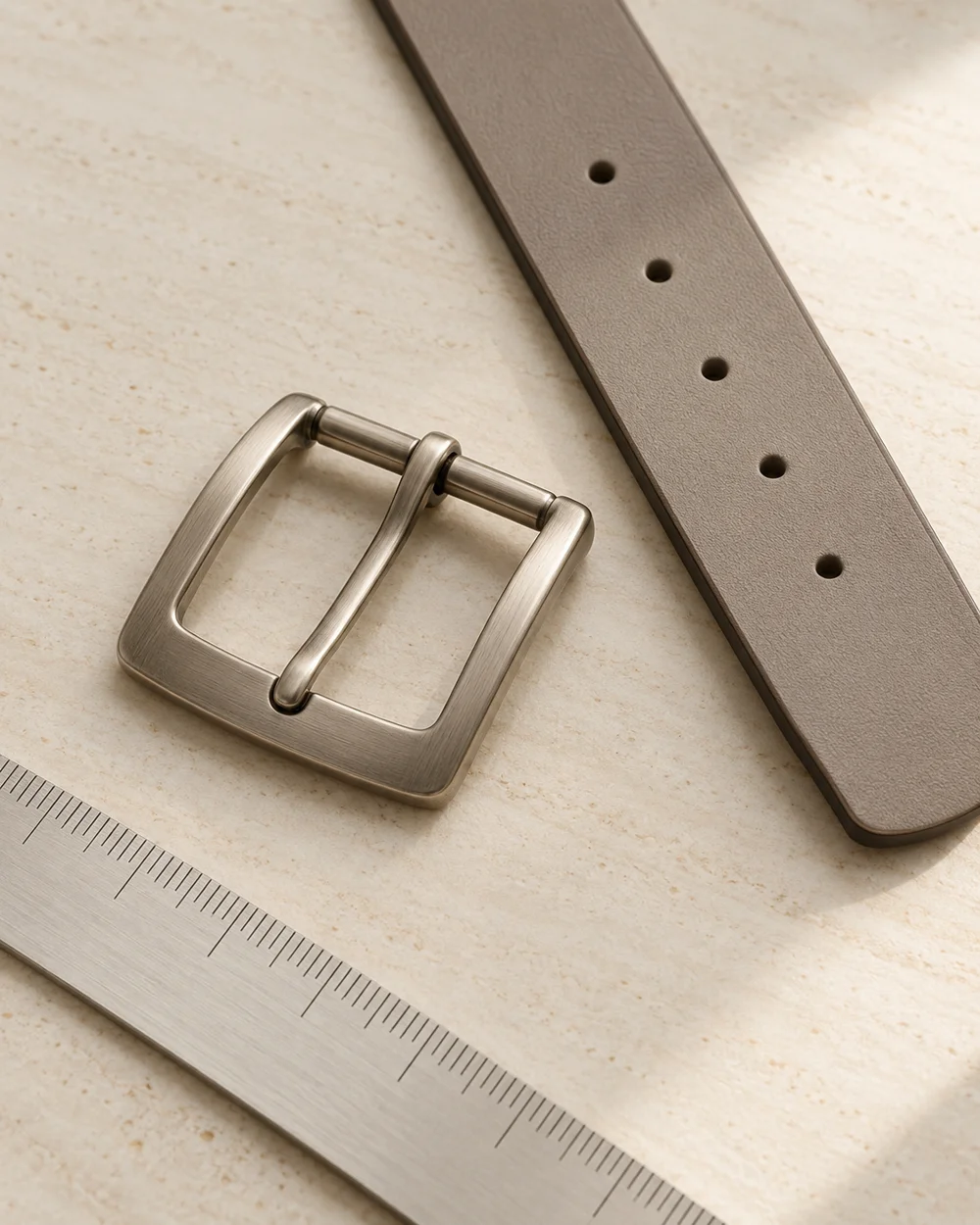
Add a detail image of the buckle or maker reference if it is relevant. Keep the images unfiltered so later condition comparisons remain meaningful.
NOTE 04
Keep a useful reference
Save the views under the same item identifier and date. The photographs support an inventory but do not verify material origin, authenticity, or certification.
Before you go.
What is the main point to remember?
A pair of clear views is often more useful than one complicated arrangement.
What should I establish before starting?
Lay the belt on a clean appropriate surface with soft light. Keep any required product labels attached while deciding whether to retain a recent purchase.
Original editorial guidance. Photographs are AI-generated concepts; they do not show verified products, material specifications, or tested results. Sources & approach.
Save to Pinterest ↗FOLLOW THE DETAIL