Create a Simple Brooch Photo Inventory
A photo inventory makes an accessory easier to recognize when reading a care or storage record. A consistent plain image is more useful here than a heavily styled promotional arrangement.
Read the note ↓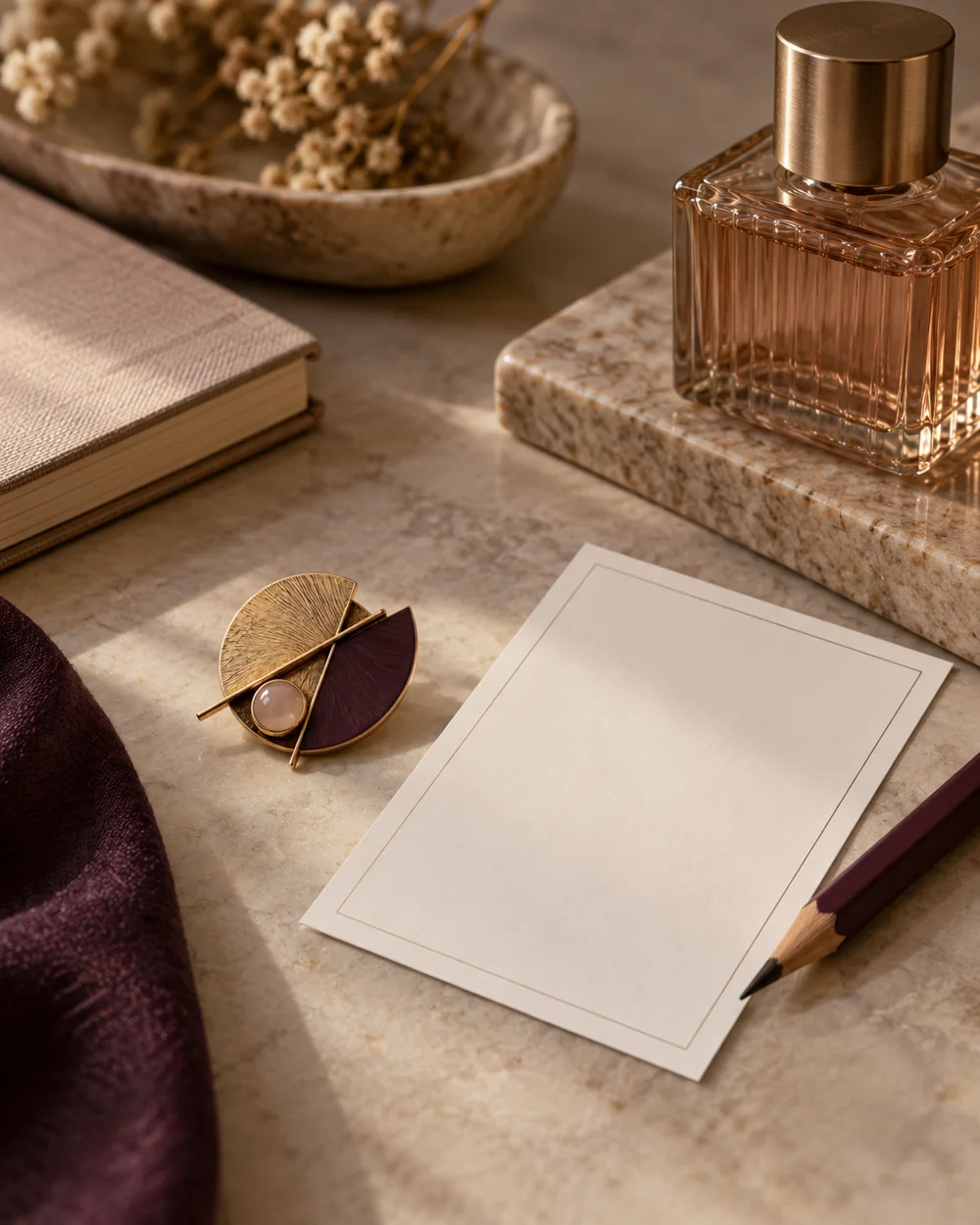
NOTE 01
Start with what you know
Choose a clean soft neutral surface and place one closed brooch on it. Keep receipts, private information, and unrelated accessories out of a photograph that may be shared.
NOTE 02
Set out a simple system
Photograph the whole front with enough room around the outline. Take a separate reverse reference only if the piece can be turned safely without stressing a fragile setting or opening an unreliable clasp.
NOTE 03
Check the practical fit
Assign the images the same simple code as the written inventory. Note the date and any important visible condition in text instead of relying on a small image to show every detail.
NOTE 04
Keep the record useful
Keep original files in an organized location and link them from the record. Images are identification aids, not an appraisal or proof of metal content, authenticity, or complete condition.
Before you go.
What is the most useful detail to remember?
Use a consistent background and reference code so the images are easy to find later.
What should I establish before starting?
Choose a clean soft neutral surface and place one closed brooch on it. Keep receipts, private information, and unrelated accessories out of a photograph that may be shared.
Original editorial guidance. Photographs are AI-generated concepts; they do not show verified products, material specifications, or tested results. Sources & approach.
Save to Pinterest ↗FOLLOW THE DETAIL
A note to read next.
Accessory care
A place for each small piece.
Read the note ↗
Accessory care
Before the pin meets the cloth.
Read the note ↗
Accessory care
Create a Brooch Inventory Card
Read the note ↗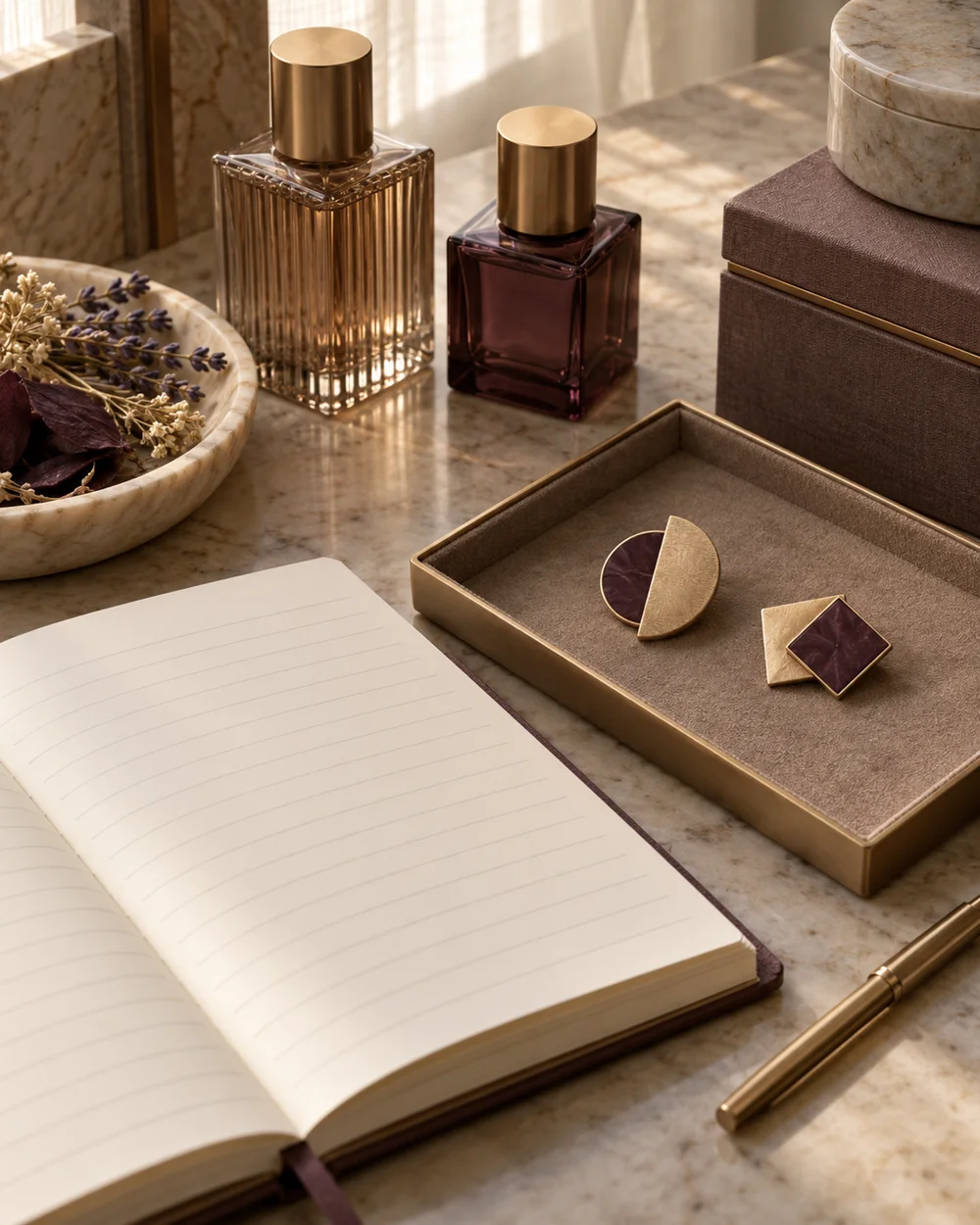
Accessory care
Make a Simple Accessory Care Record
Read the note ↗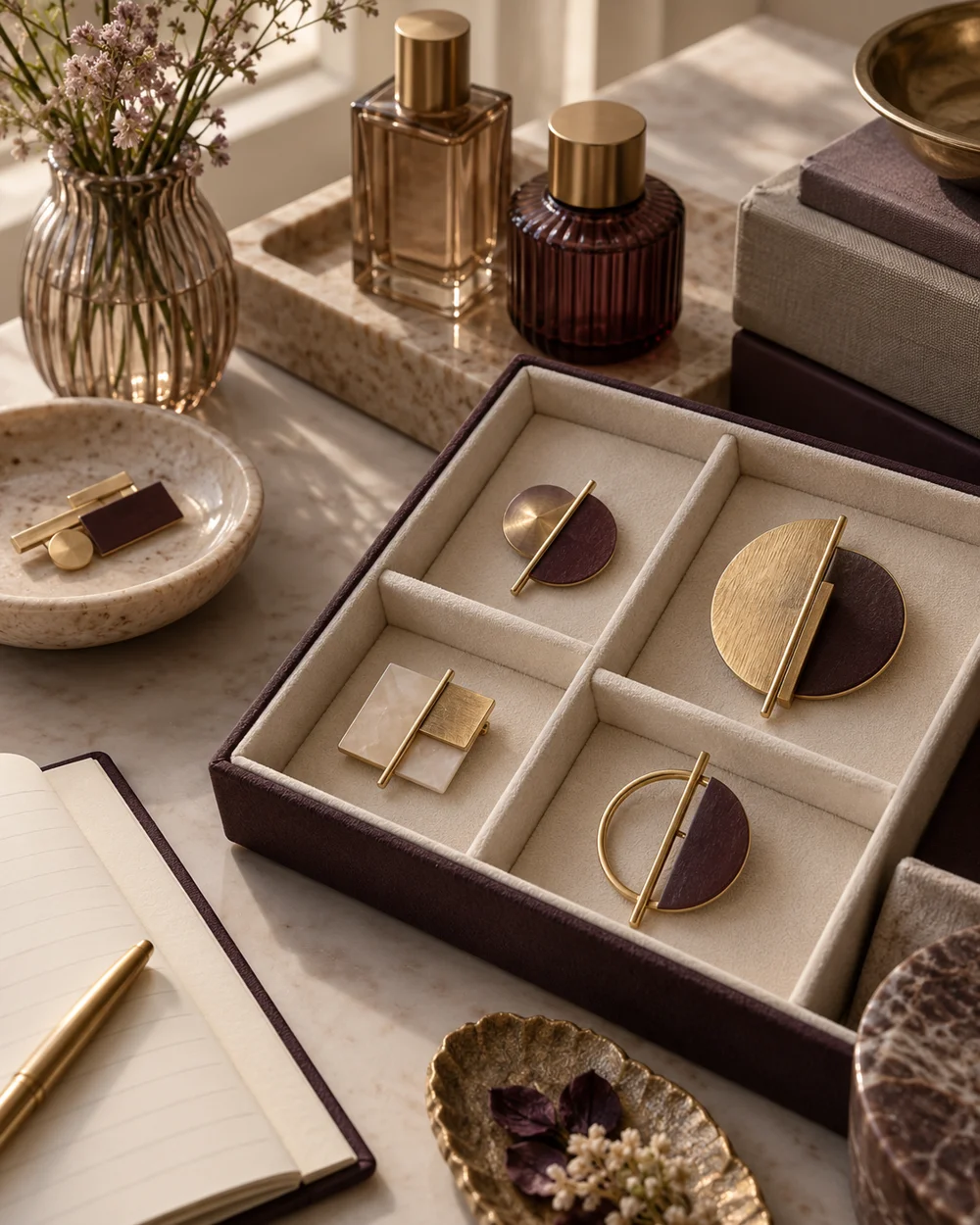
Accessory care
Sort Brooches by Size for Easier Storage
Read the note ↗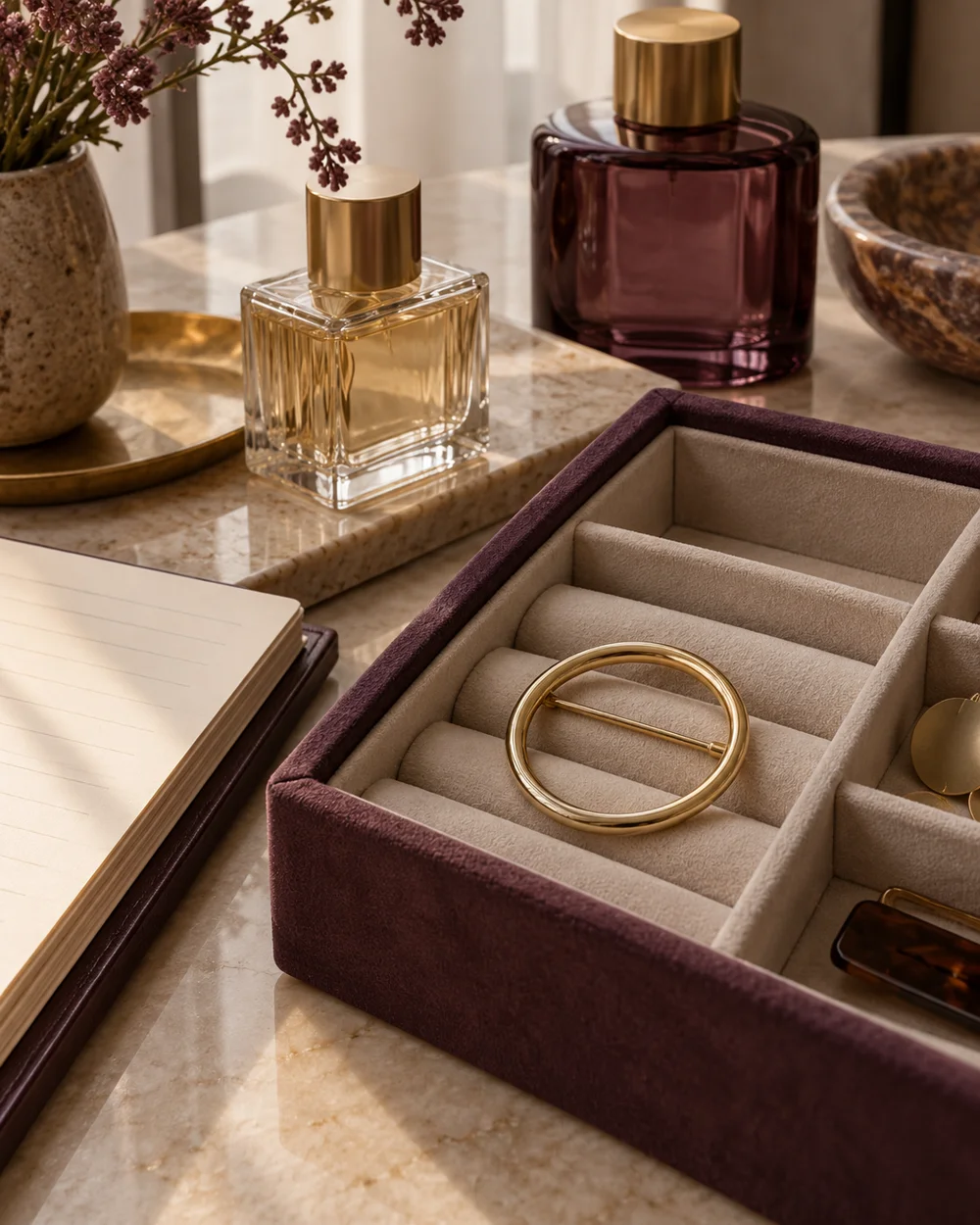
Accessory care
Choose a Storage Compartment That Fits a Brooch
Read the note ↗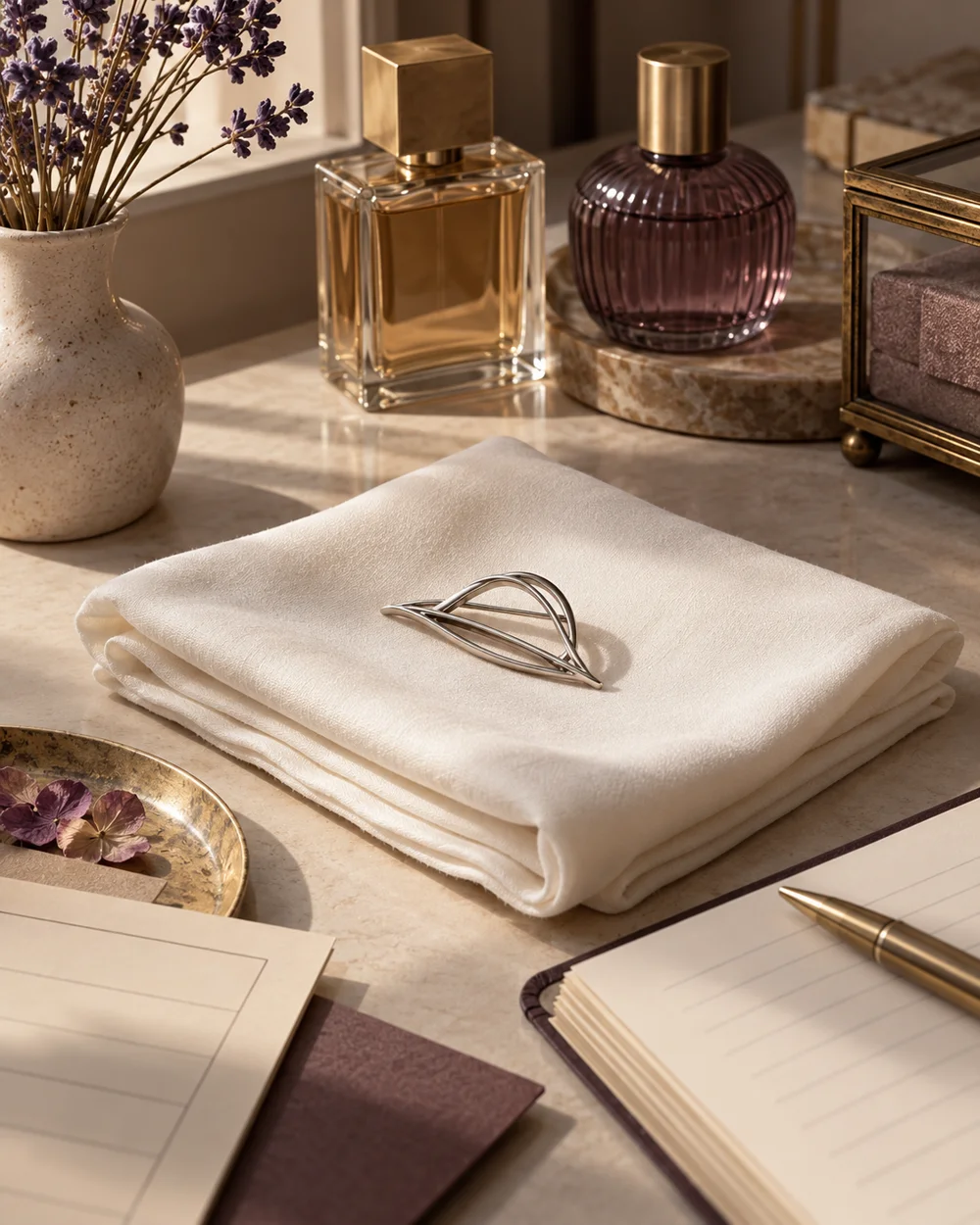
Accessory care
Set Up a Soft Surface for Accessory Checks
Read the note ↗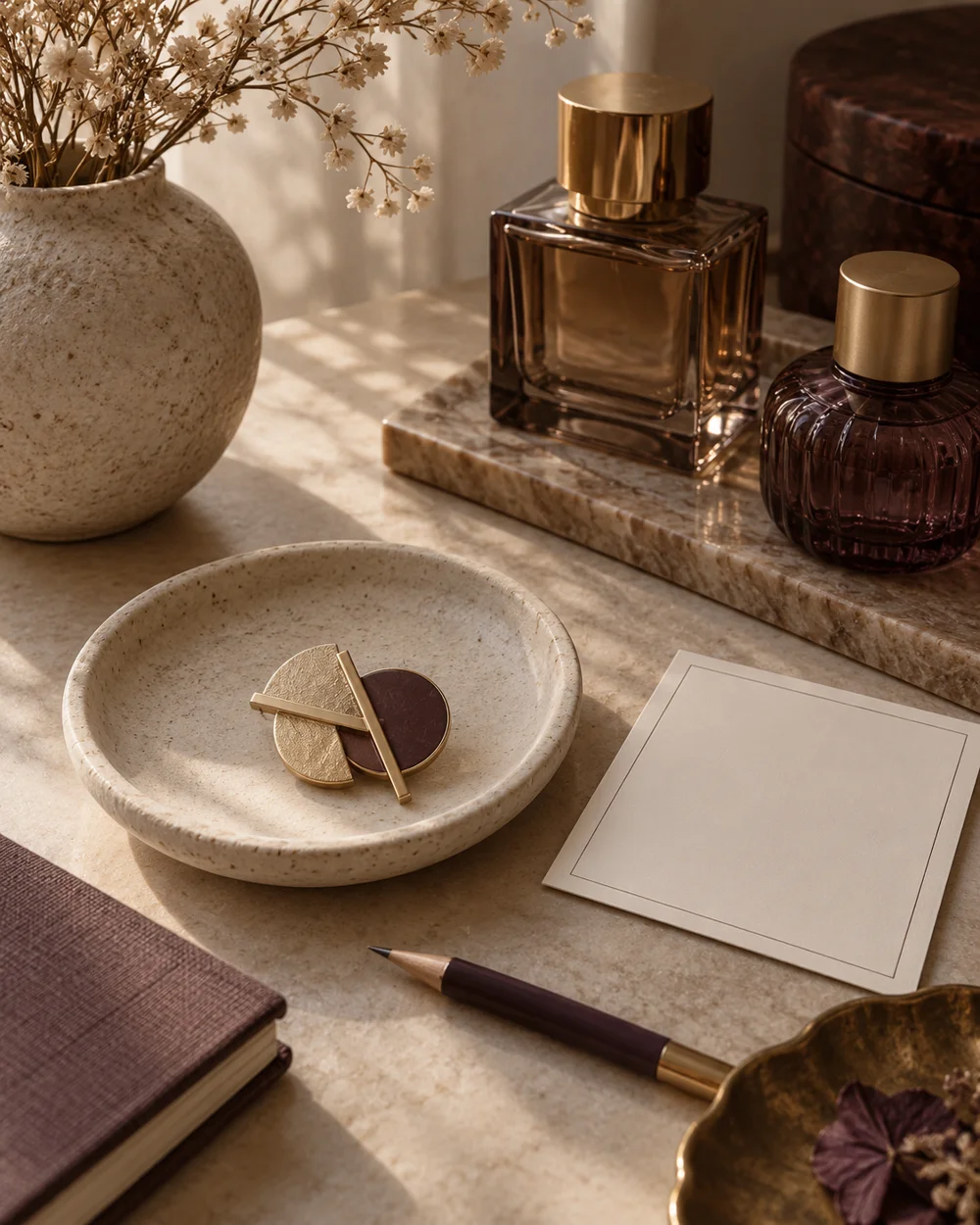
Accessory care
Record an Unknown Brooch Material Honestly
Read the note ↗
Accessory care
Keep Brooch Documentation With a Collection
Read the note ↗
Accessory care
Plan a Small Accessory Box Reset
Read the note ↗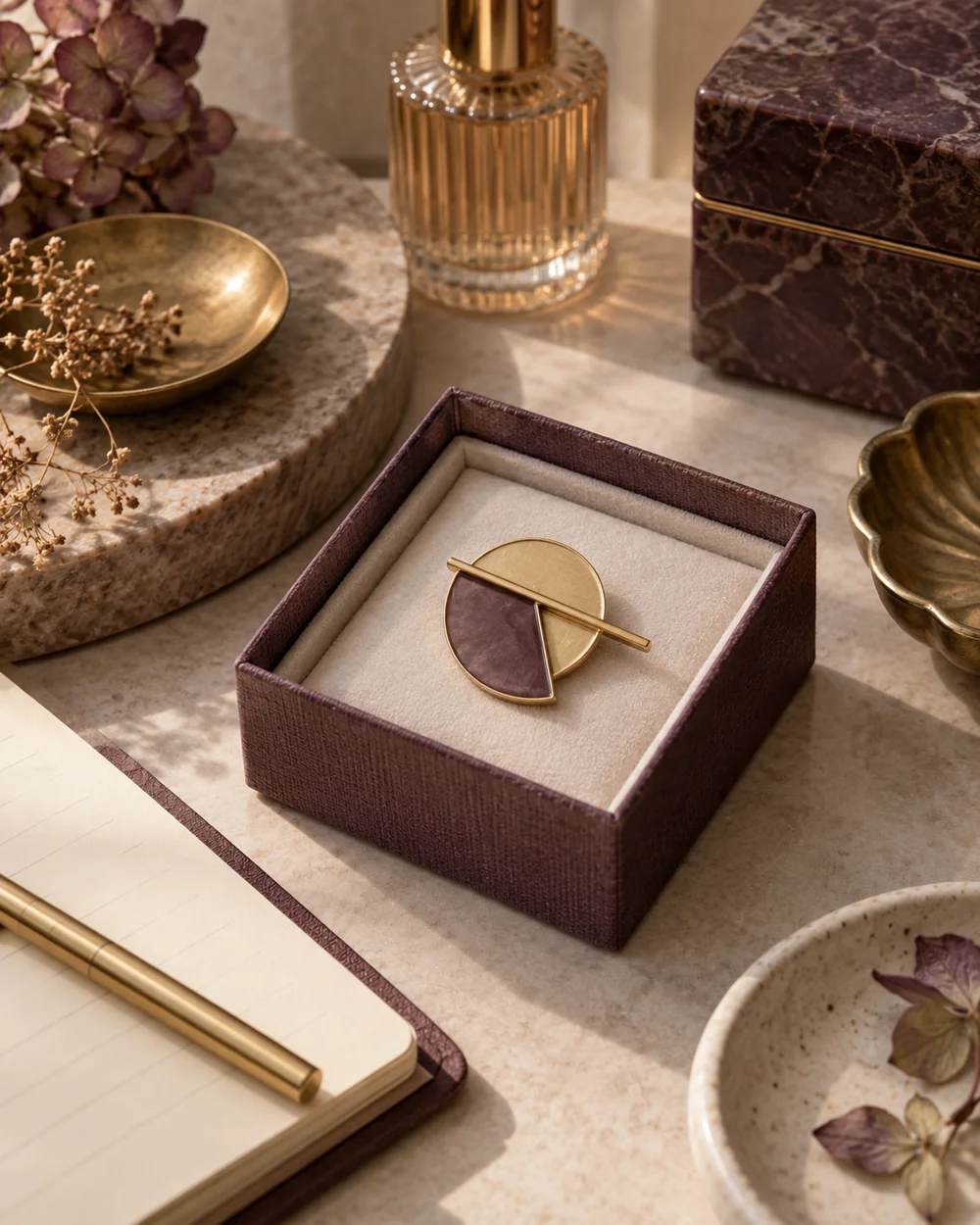
Accessory care
Prepare a Brooch for Short-Term Packing
Read the note ↗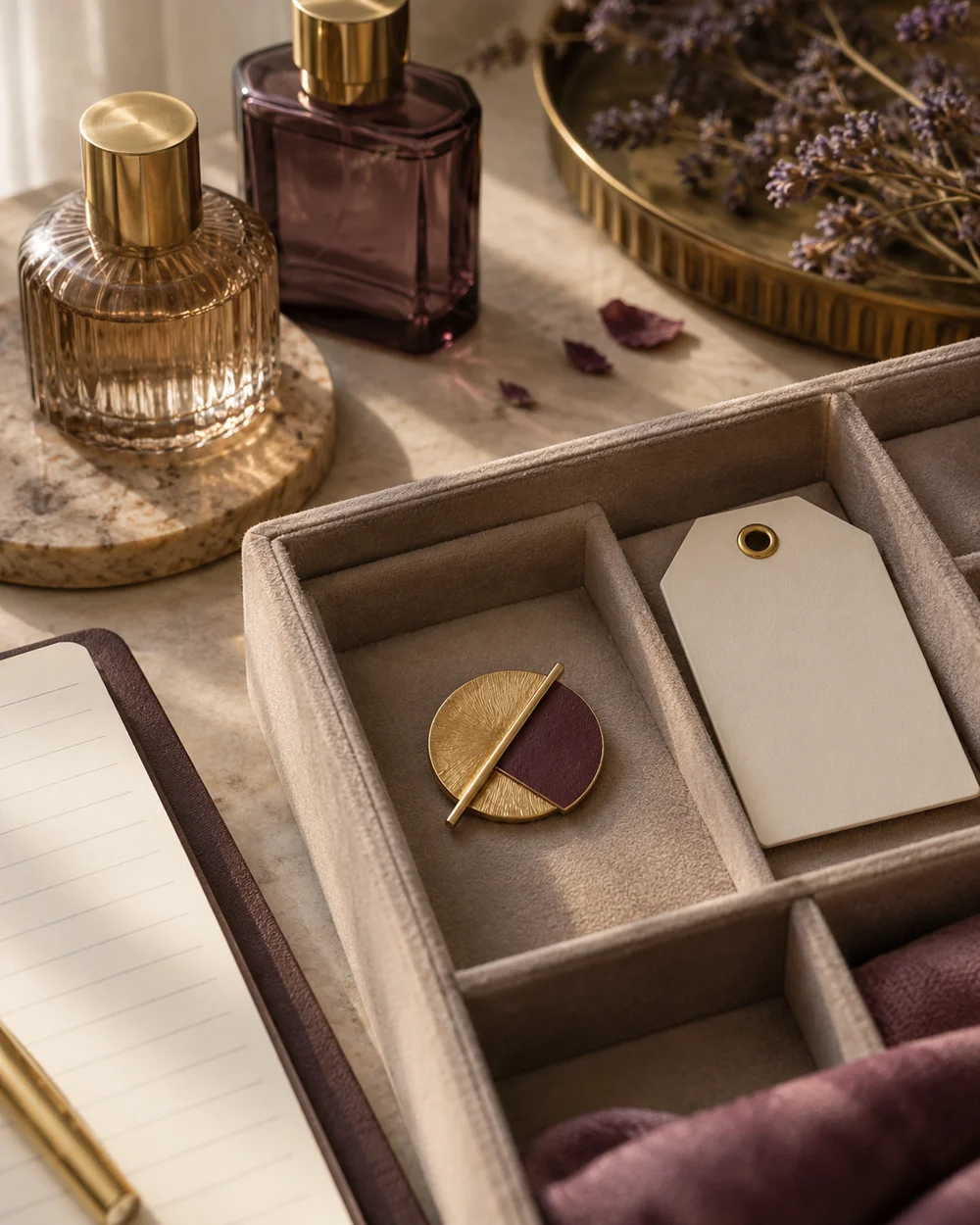
Accessory care
Separate a Brooch That Needs Professional Repair
Read the note ↗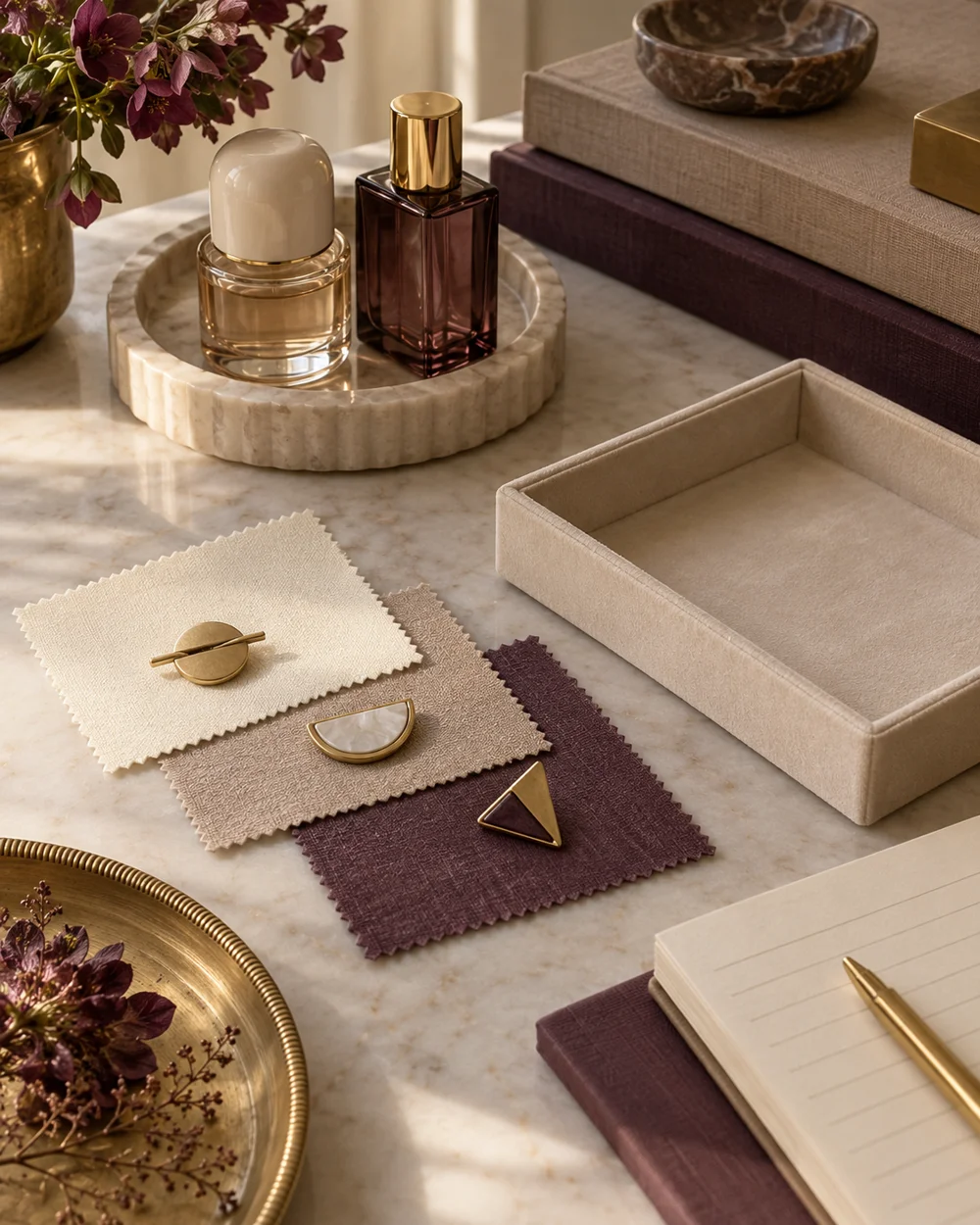
Accessory care
Choose a Plain Storage Lining for Accessories
Read the note ↗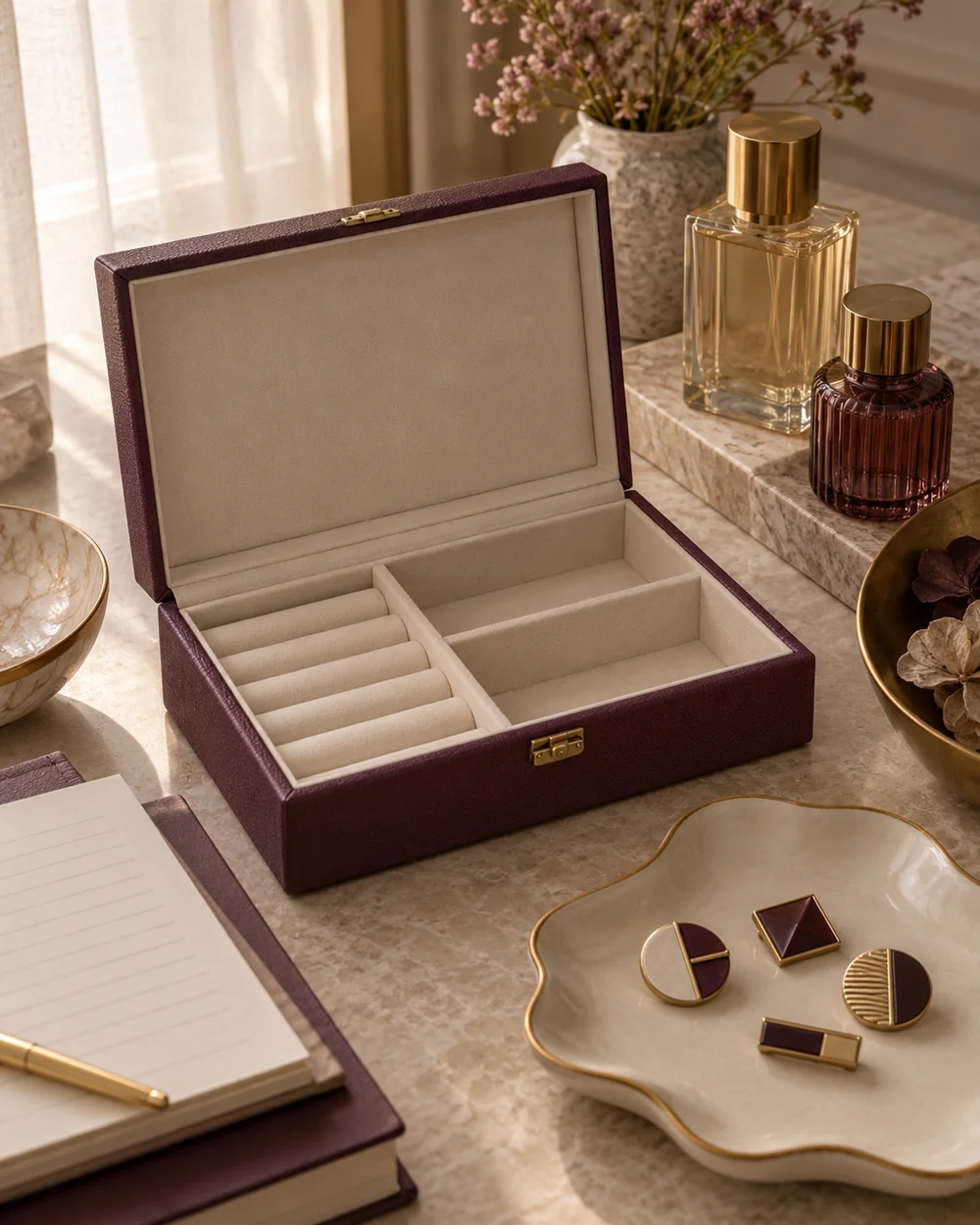
Accessory care
Check an Accessory Box Before Adding Delicate Pieces
Read the note ↗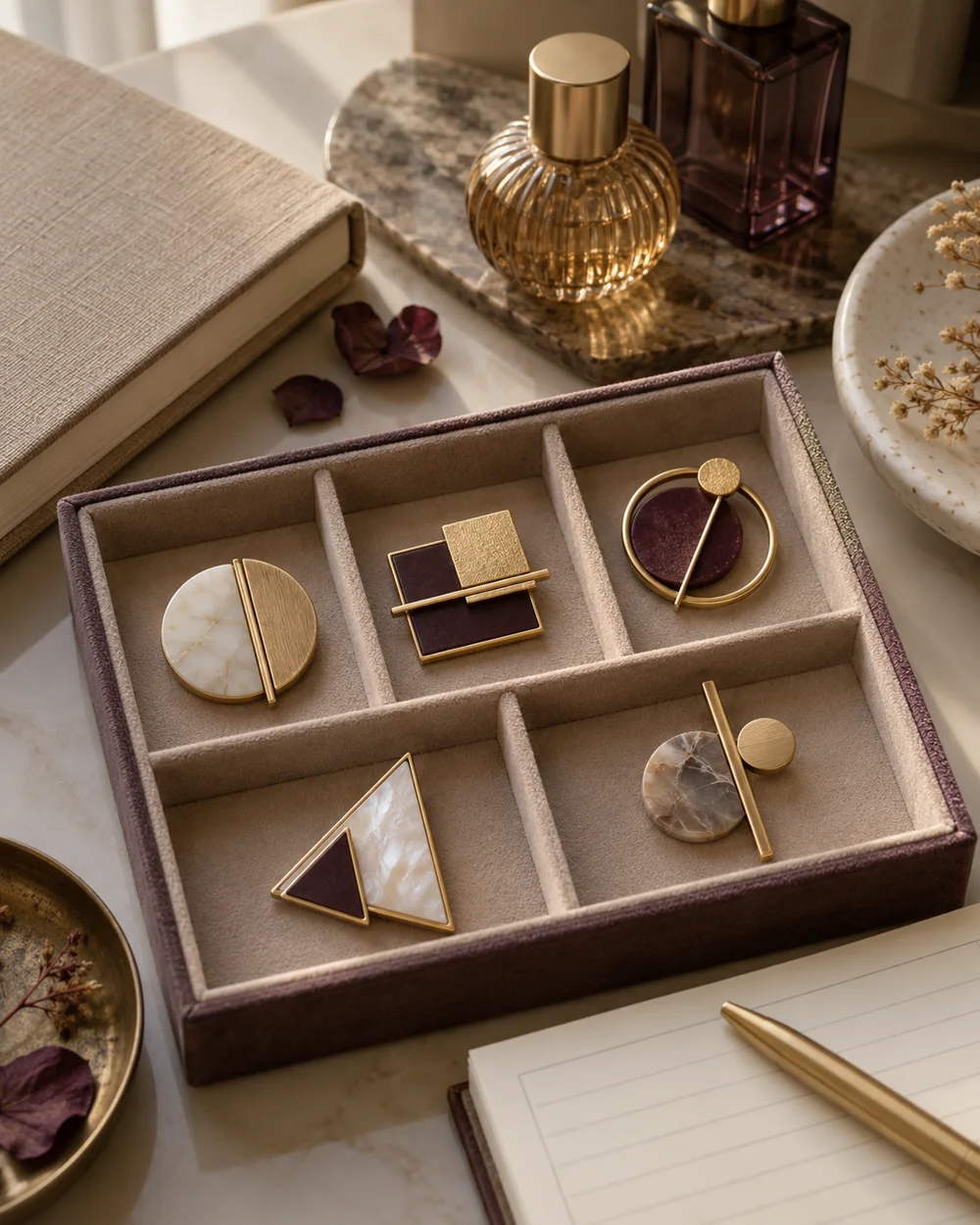
Accessory care
Organize Brooches Without Piling Them Together
Read the note ↗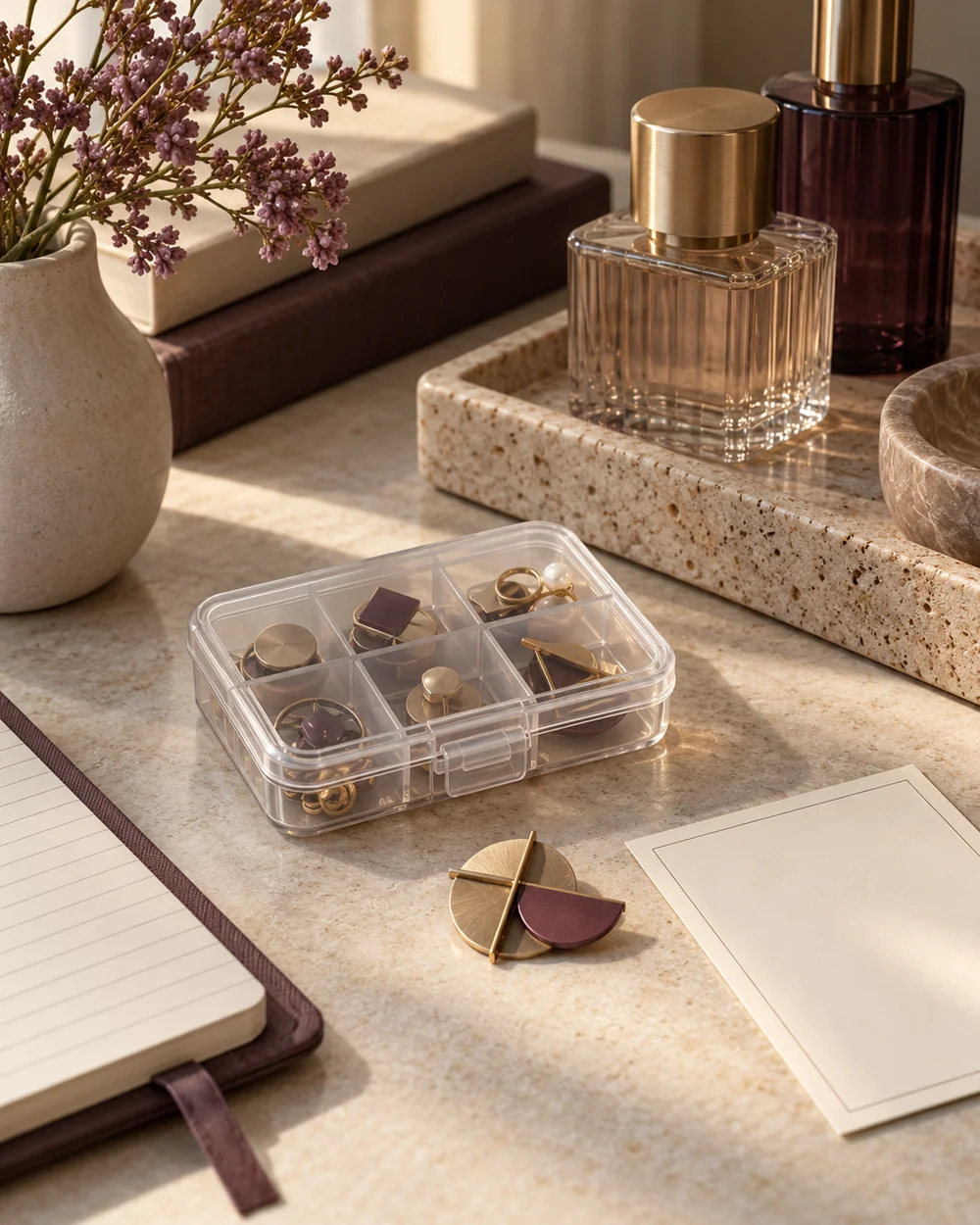
Accessory care
Keep Loose Brooch Parts Together for a Repairer
Read the note ↗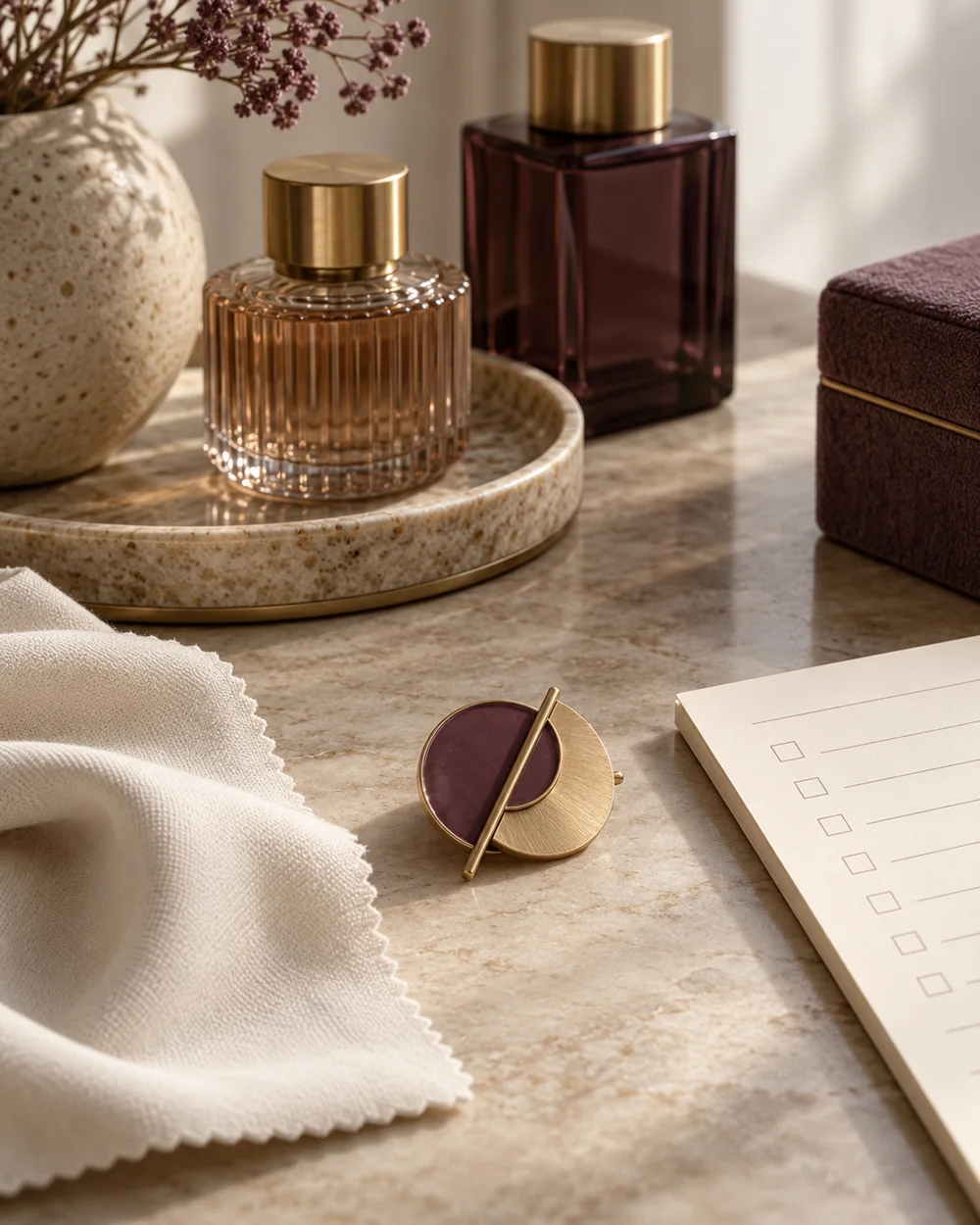
Accessory care
Plan a Maker-Specific Accessory Cleaning Checklist
Read the note ↗
Accessory care
Keep Accessories Separate From Fragrance Bottles
Read the note ↗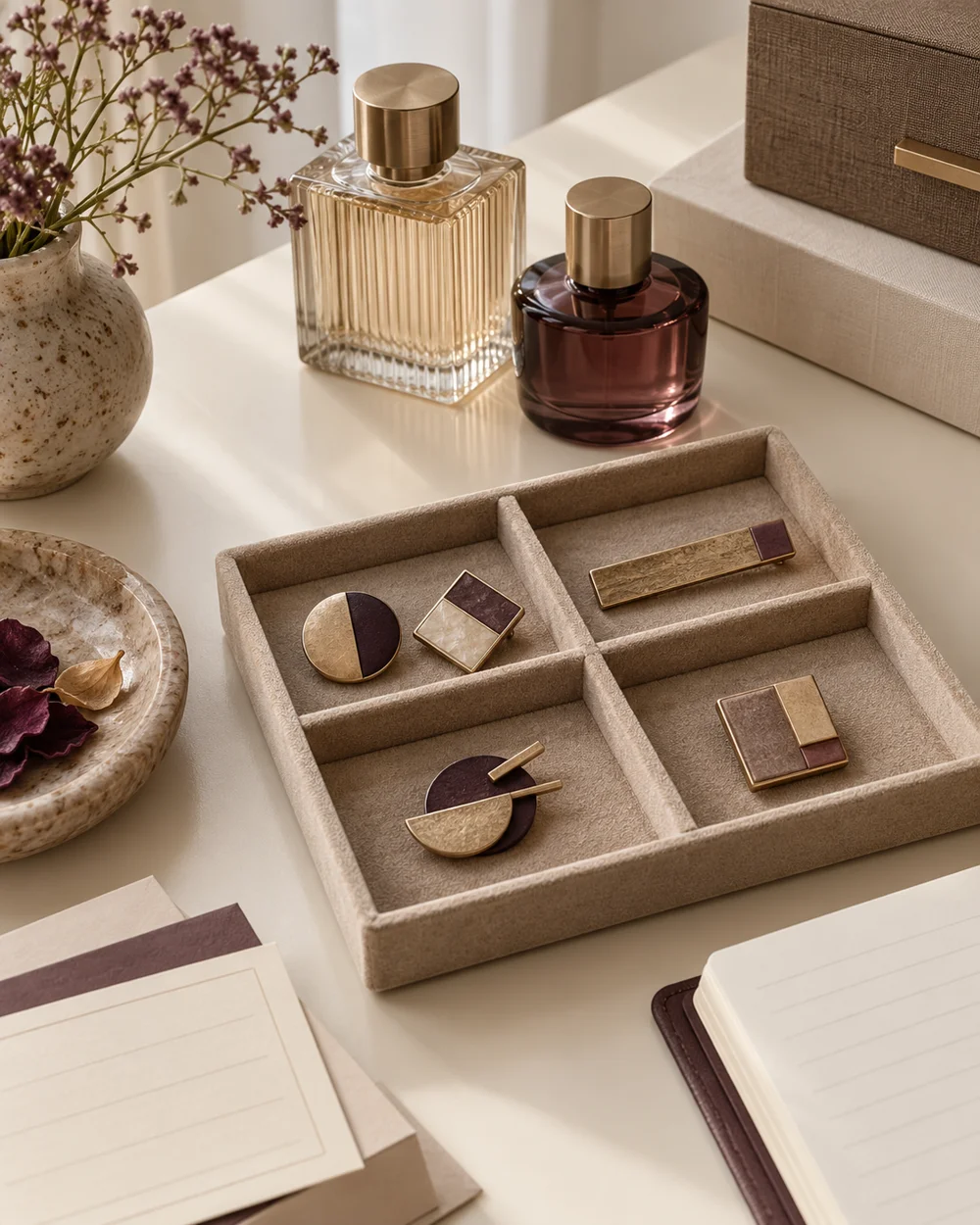
Accessory care
Set Up an Accessory Return Routine
Read the note ↗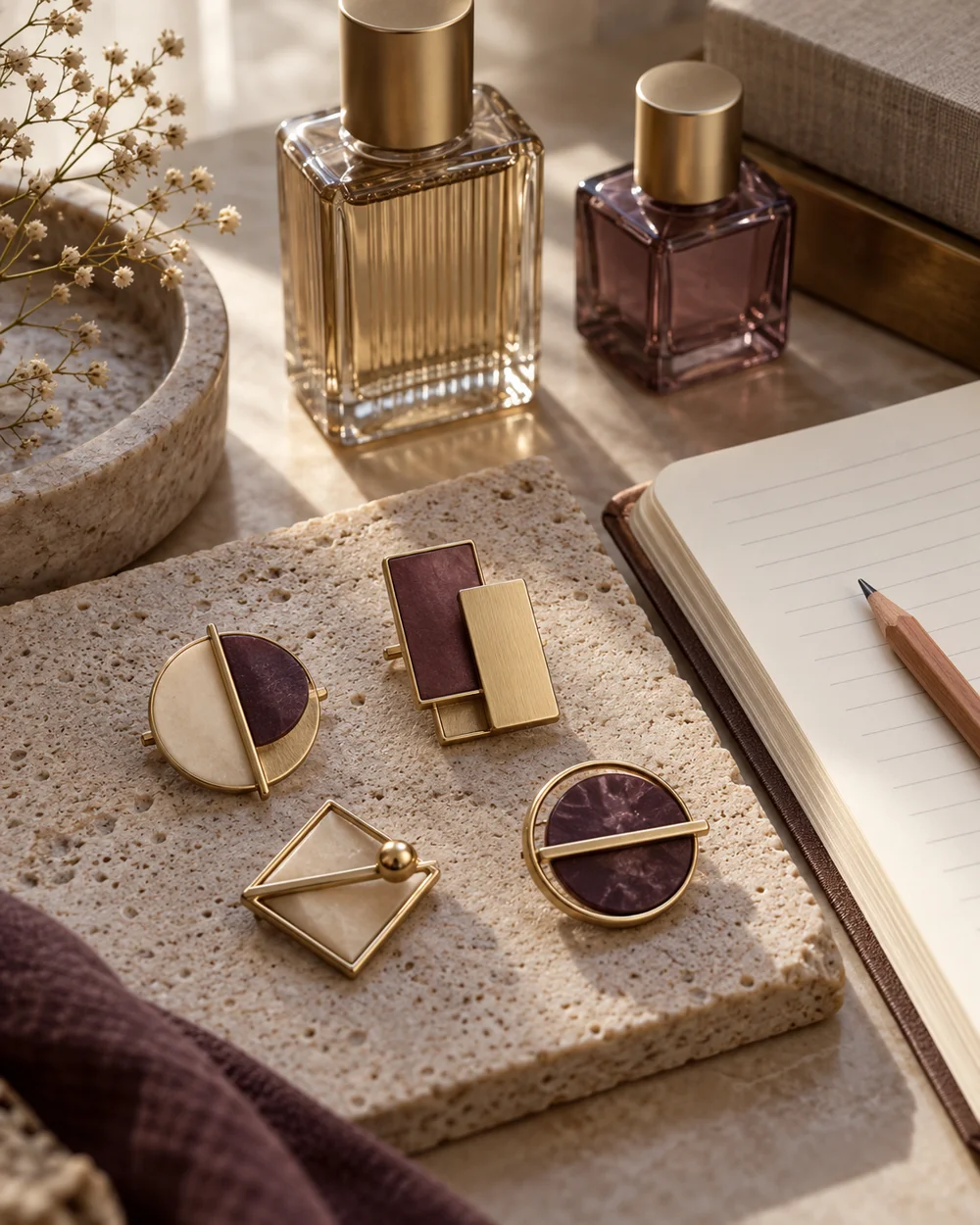
Accessory care
Review a Small Brooch Collection Before Buying More
Read the note ↗
Accessory care
Keep a Delicate Brooch Away From Rough Storage Edges
Read the note ↗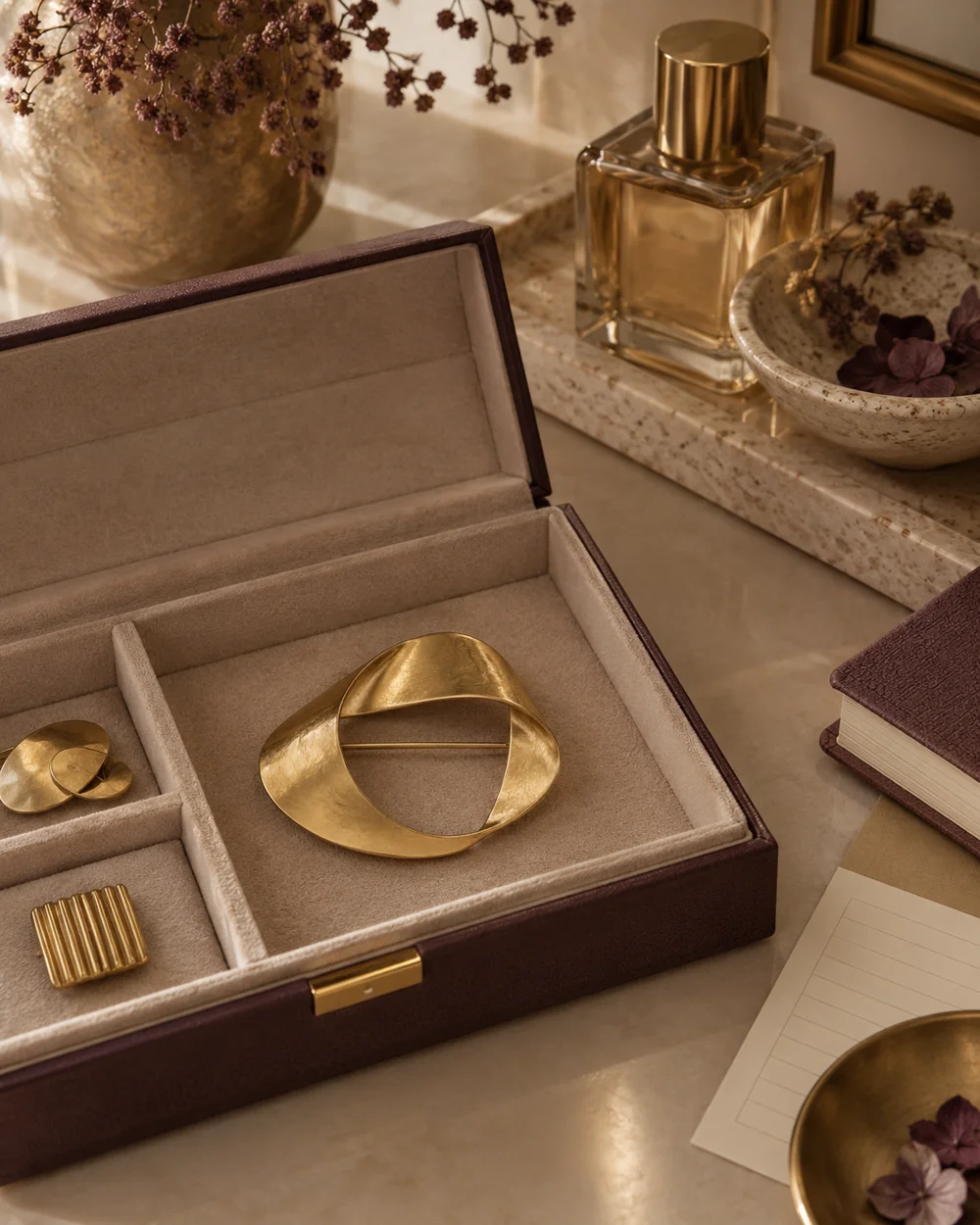
Accessory care
Store a Heavy Brooch With Its Whole Shape Supported
Read the note ↗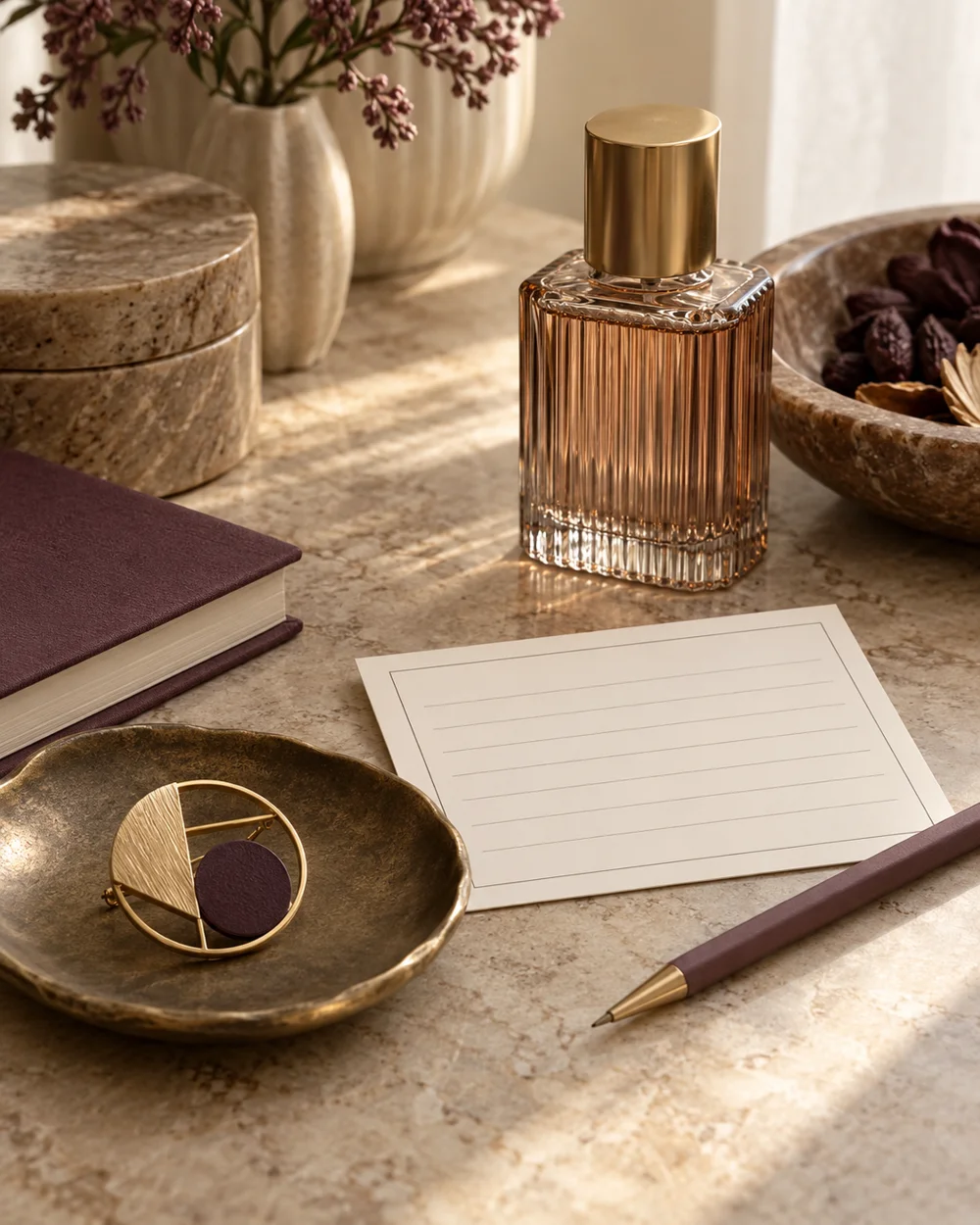
Accessory care
Write Clear Questions for a Jewelry Repairer
Read the note ↗
Accessory care
Create a Borrowed Accessory Return Record
Read the note ↗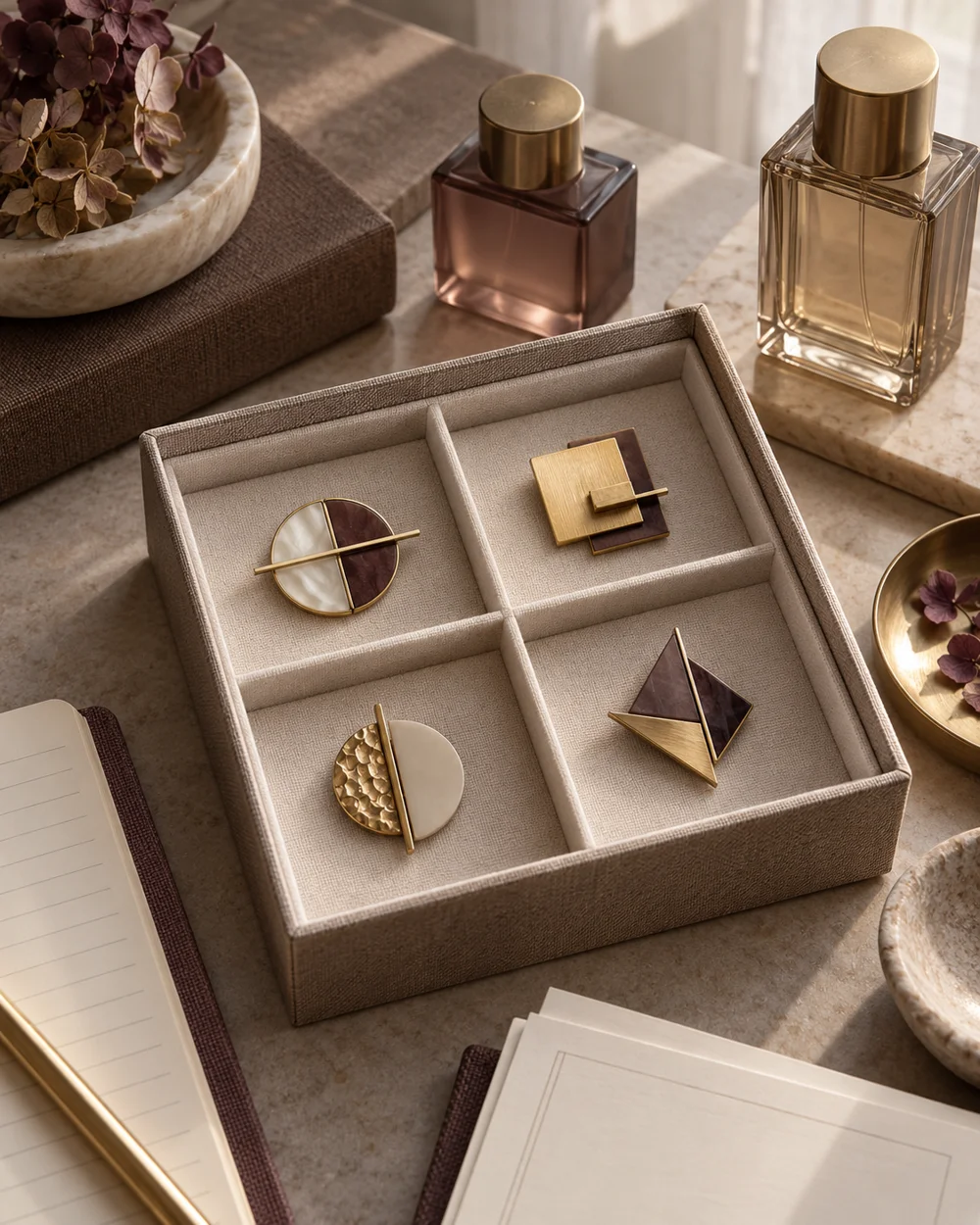
Accessory care
Arrange a Brooch Box for Easy Visual Checks
Read the note ↗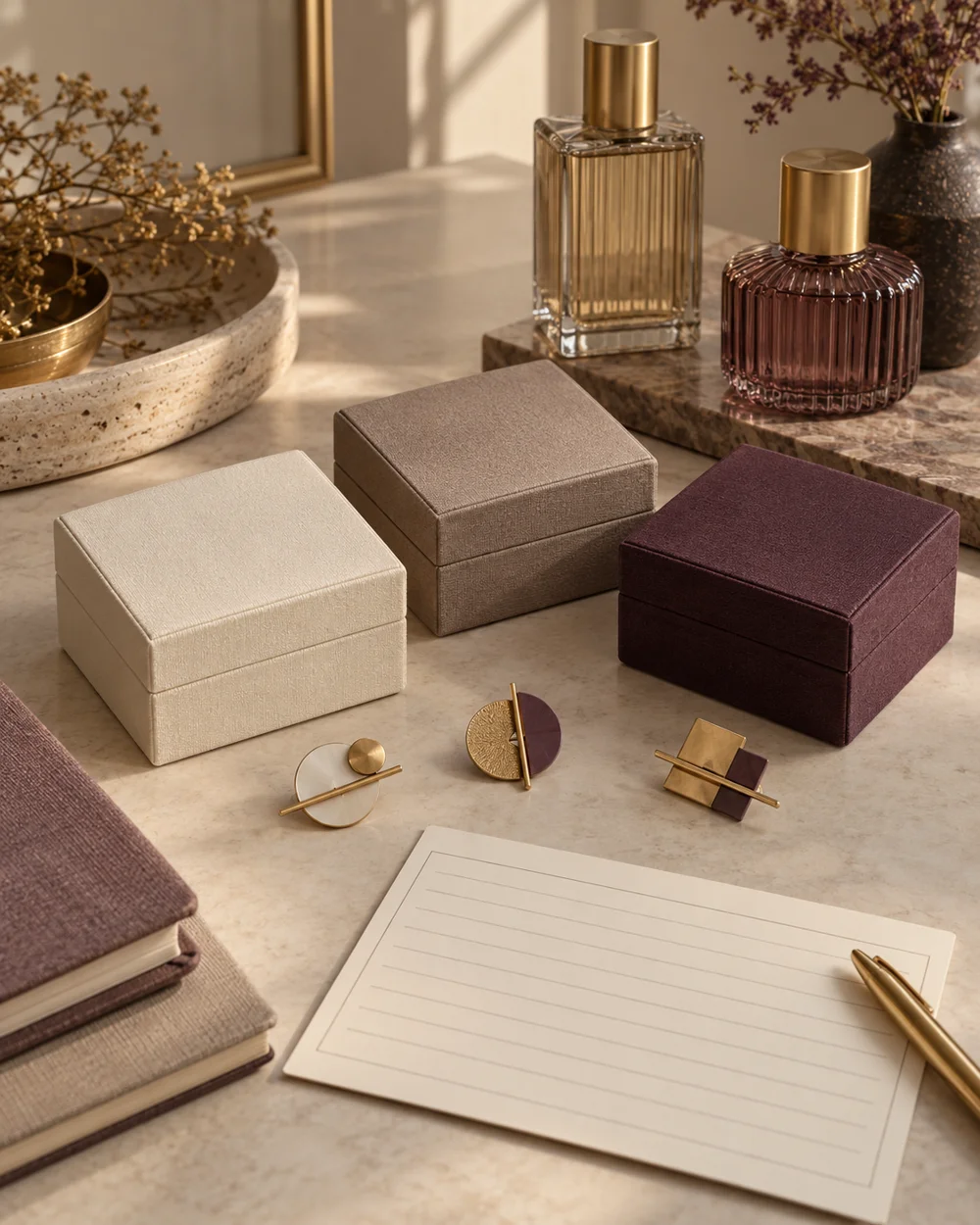
Accessory care